Account & preferences
Account
Changed in version 0.3.0: password reset
Changed in version 0.6.0: email change
Changed in version 0.7.13: data export
Changed in version 0.10.0: notification when data export is completed
Users can create, update and deleted their account.
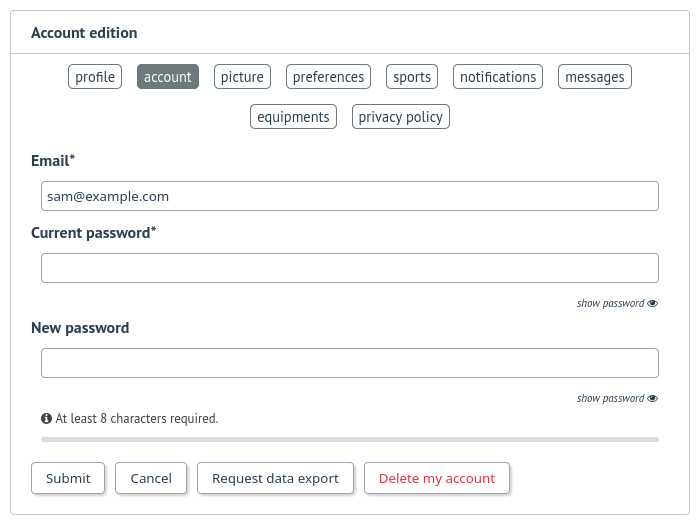
They can reset his password, can change their email address and update their profile image.
json files (user info and workouts data) and all uploaded files.Note
For now, it’s not possible to import these files into another FitTrackee instance.
Preferences
Changed in version 0.5.0: added interface theme and imperial system
Changed in version 0.6.11: added ascent preference
Changed in version 0.7.3: added date/time format
Changed in version 0.7.15: added elevation chart display
Changed in version 0.7.16: added max speed calculation strategy
Changed in version 0.7.27: added interface theme
Changed in version 0.9.0: added follow requests approval, profile visibility in users directory, workout visibilities
Changed in version 0.10.0: added heart rate visibility
Changed in version 0.10.3: event for segments creation
Changed in version 0.11.0: preferred displayed for charts
Changed in version 1.1.0: missing elevation processing
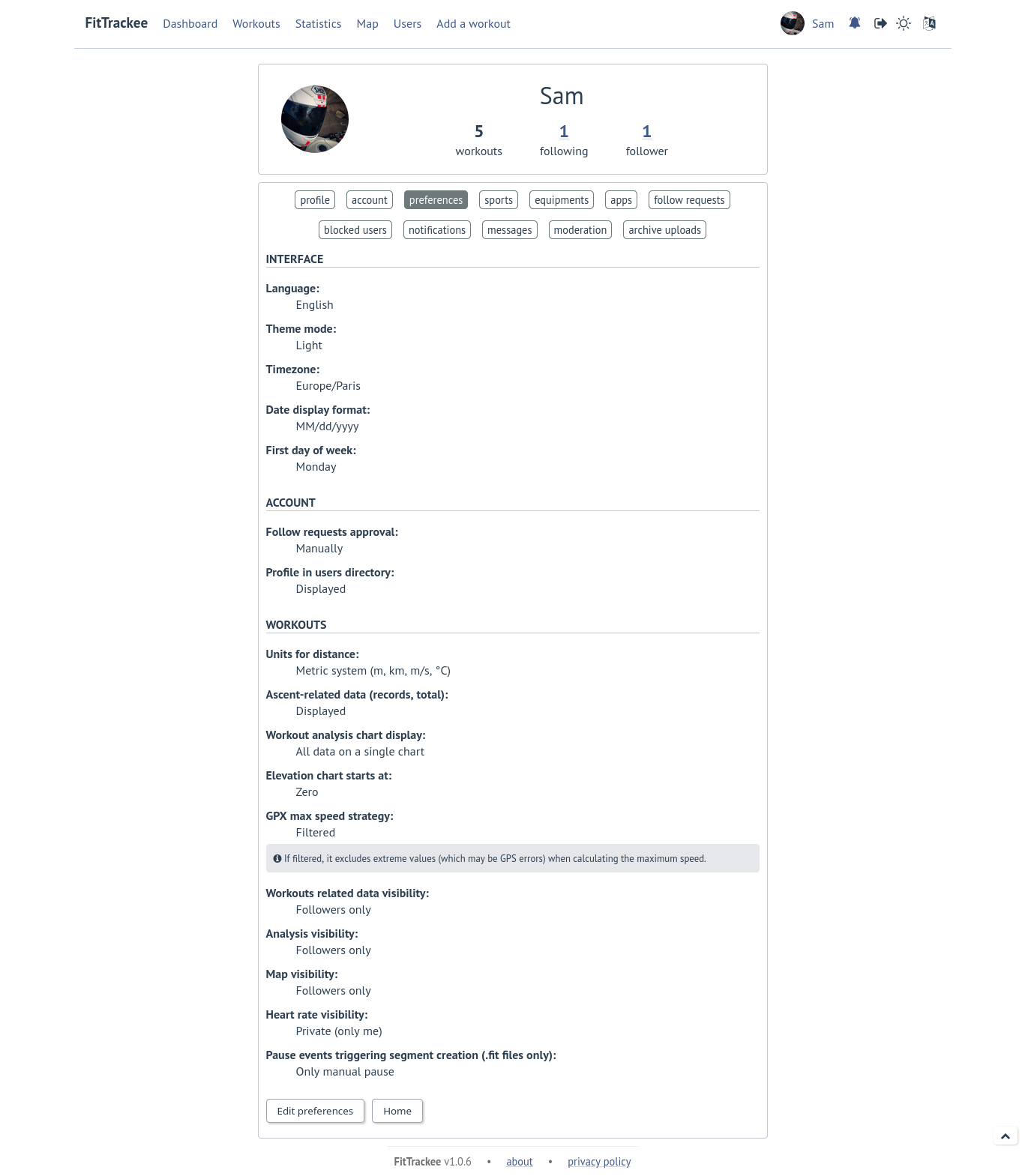
It is possible to set interface preference:
language, timezone, date format and first day of week
interface theme (light, dark or according to browser preferences)
For account, it is possible to set:
follow requests approval: manually (default) or automatically
profile visibility in users directory: hidden (default) or displayed
For workouts, it is possible to choose:
between metric system and imperial system for distance, elevation and speed display
to display or hide ascent records and total on Dashboard
the preferred display for workout chart:
all data on a single chart
each data displayed on a different chart
elevation chart axis start: zero or minimum altitude
to exclude extreme values (which may be GPS errors) when calculating the maximum speed (by default, extreme values are excluded)
Note
Changing this preference will only affect next file uploads.
missing elevation processing if an elevation service is set:
none
OpenElevation (raw data)
OpenElevation (smoothed data)
Valhalla
default visibility for workout data, analysis, map and heart rate.
The type of events that generate segment when uploading .fit files can also be set:
all pause events,
only manual pause,
none.
Sports preferences
Added in version 0.5.0.
Changed in version 0.8.0: added default equipment
Changed in version 1.1.0: added pace/speed display
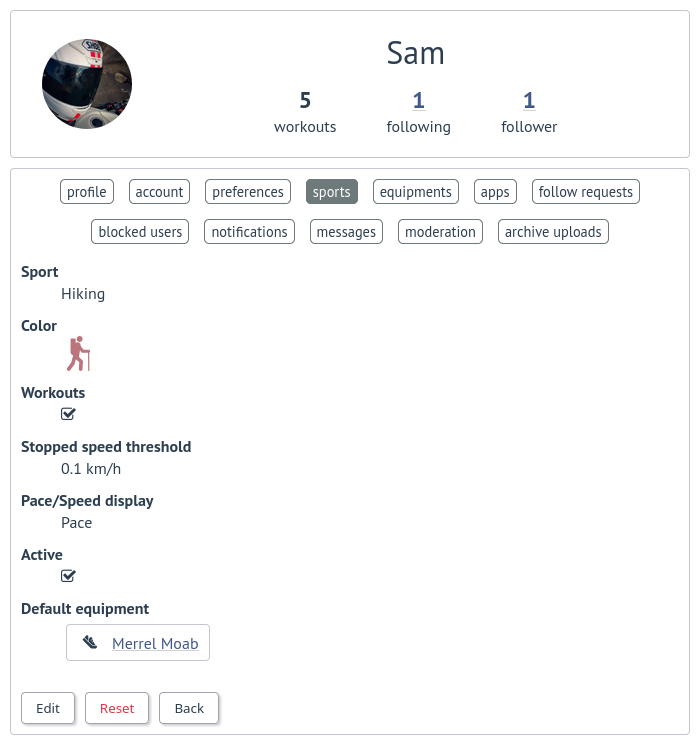
The following sport preferences can be set:
change sport color (used for sport image and charts)
can override stopped speed threshold (for next uploaded gpx files)
disable/enable a sport
define default equipment. Only one piece of equipment per type can be set, with the exception of the “Misc” type, for which up to 5 pieces of equipment can be set. If the sport is already associated with an equipment item with a type different than “Misc”, the new item will replace it.
set pace/speed display for Hiking, Running, Trail and Walking:
pace
speed
pace and speed
Note
If a sport is disabled by an administrator, it can not be enabled by a user. In this case, it will only appear in preferences if the user has workouts and only sport color can be changed.A disabled sport (by admin or user) will not appear in dropdown when adding a workout.A workout with a disabled sport will still be displayed in the application.
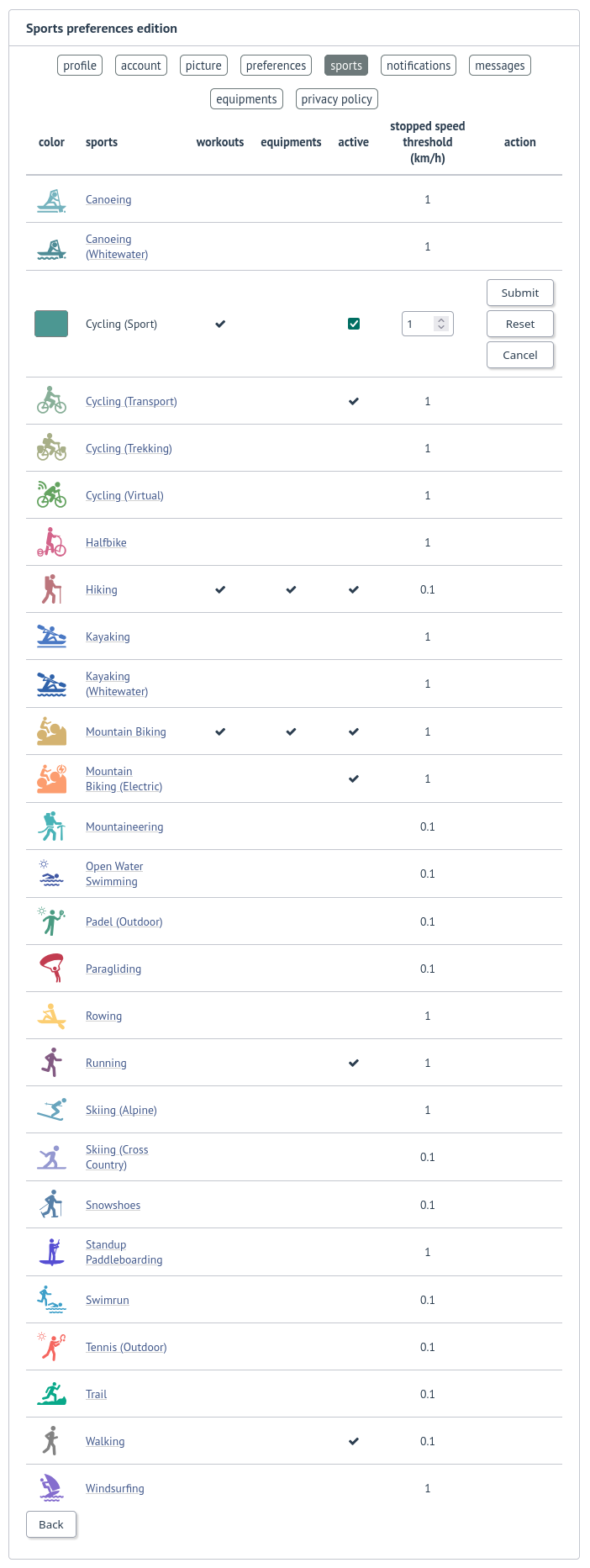
Quick edit is also available in order to change color, activate sport, update stopped speed threshold, or reset preferences.
Follow requests
Added in version 0.9.0.
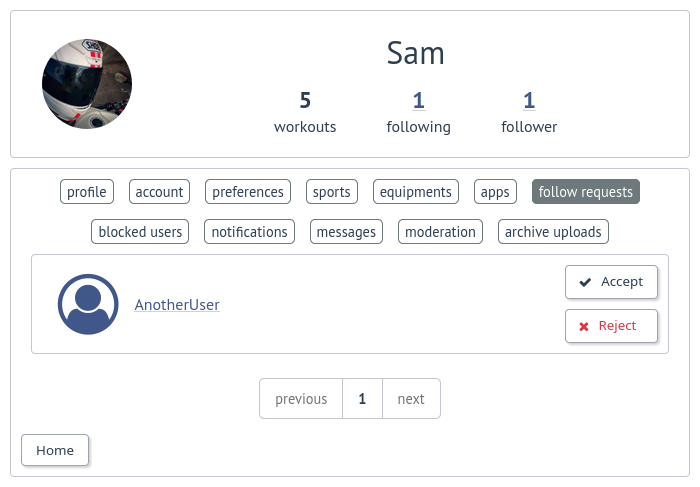
Users can view follow requests to approve or reject.
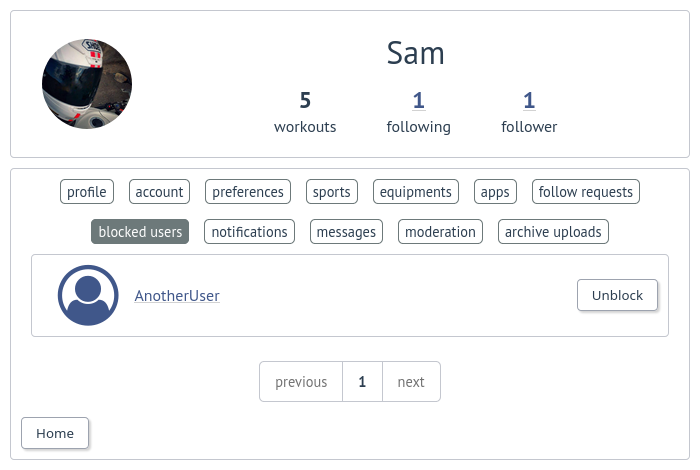
They can display blocked users.
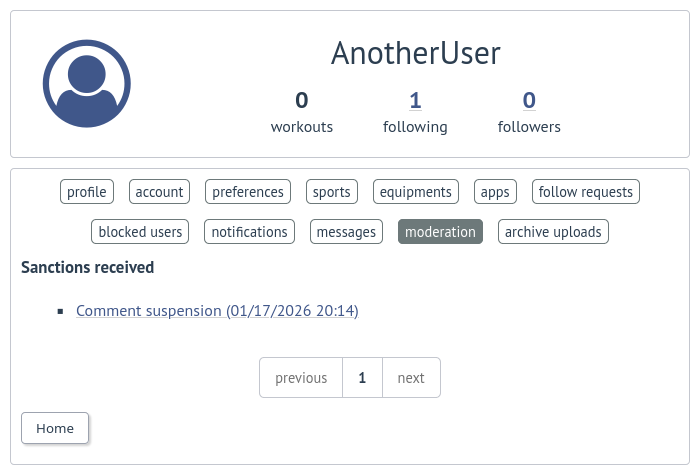
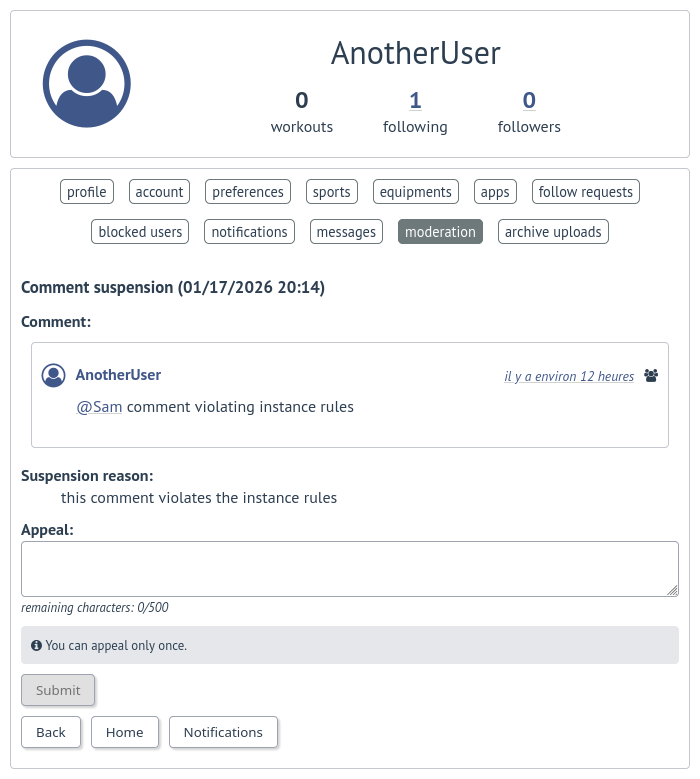
Moderation
Users can view received warnings, sanctions, and appeal.
Notifications
Added in version 0.9.0.
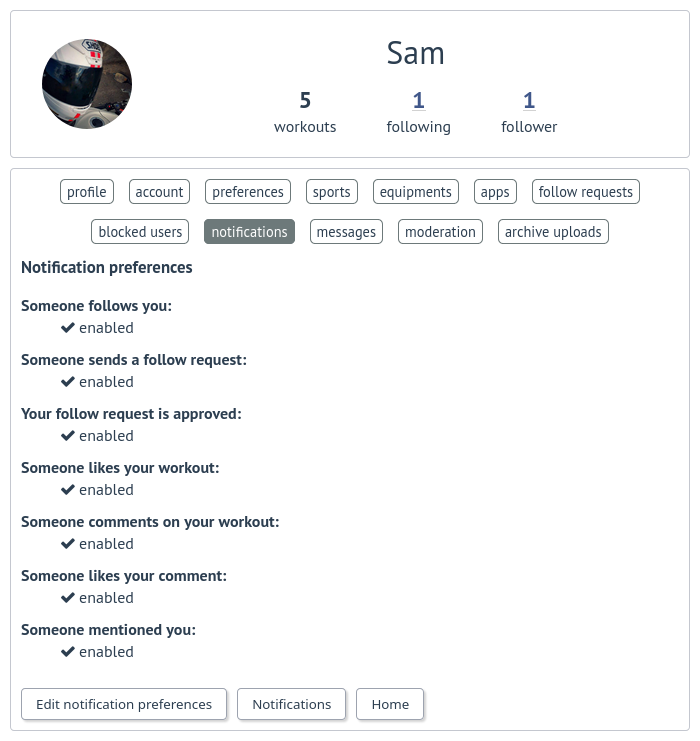
Users can update notification preferences.
Messages
Added in version 1.0.0.
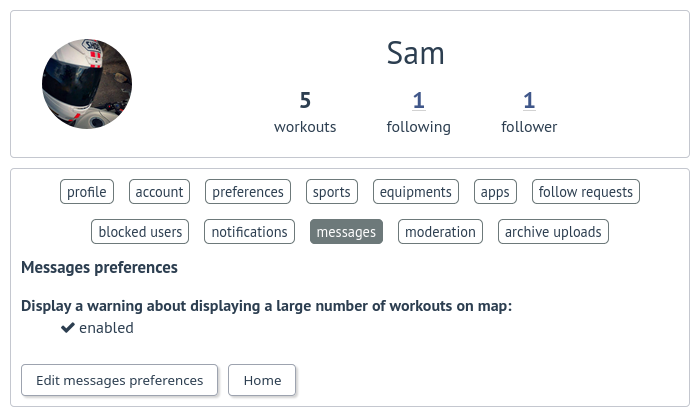
Users can update messages preferences.
Archive uploads
Added in version 0.10.0.
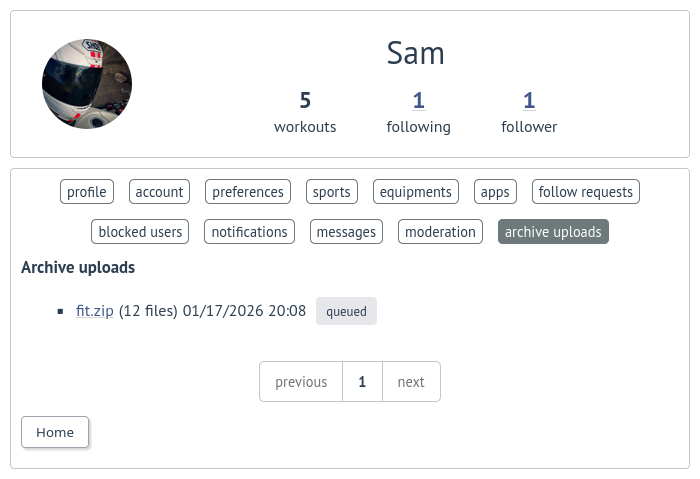
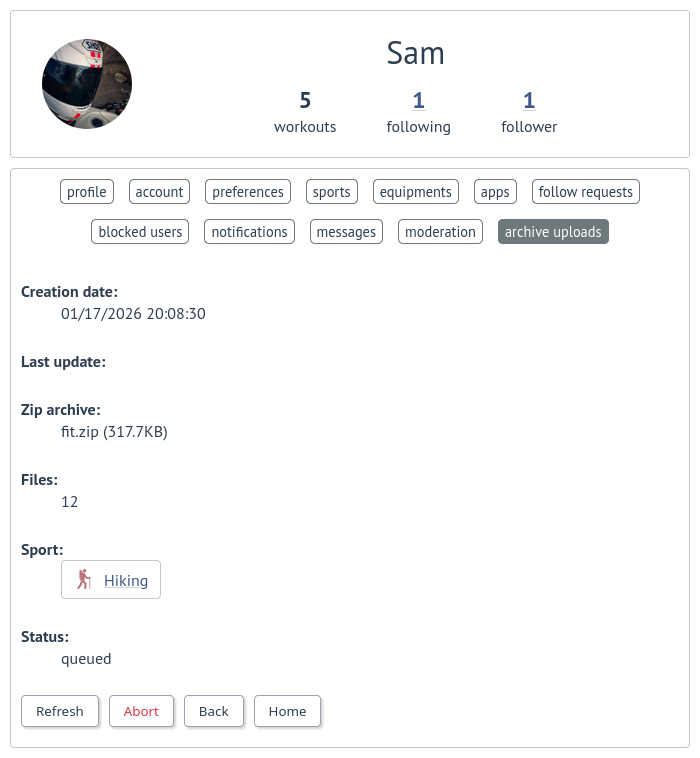
Users can view, interrupt and delete tasks for asynchronous uploads.