Workouts list
Changed in version 0.7.15: added filter on title
Changed in version 0.8.0: added filter on equipment and notes
Changed in version 0.8.9: added filter on description
Changed in version 0.9.3: added filter on workout visibility
Changed in version 0.9.4: added statistics
Changed in version 0.9.7: added average distance, average duration, average ascent and average descent displayed in statistics
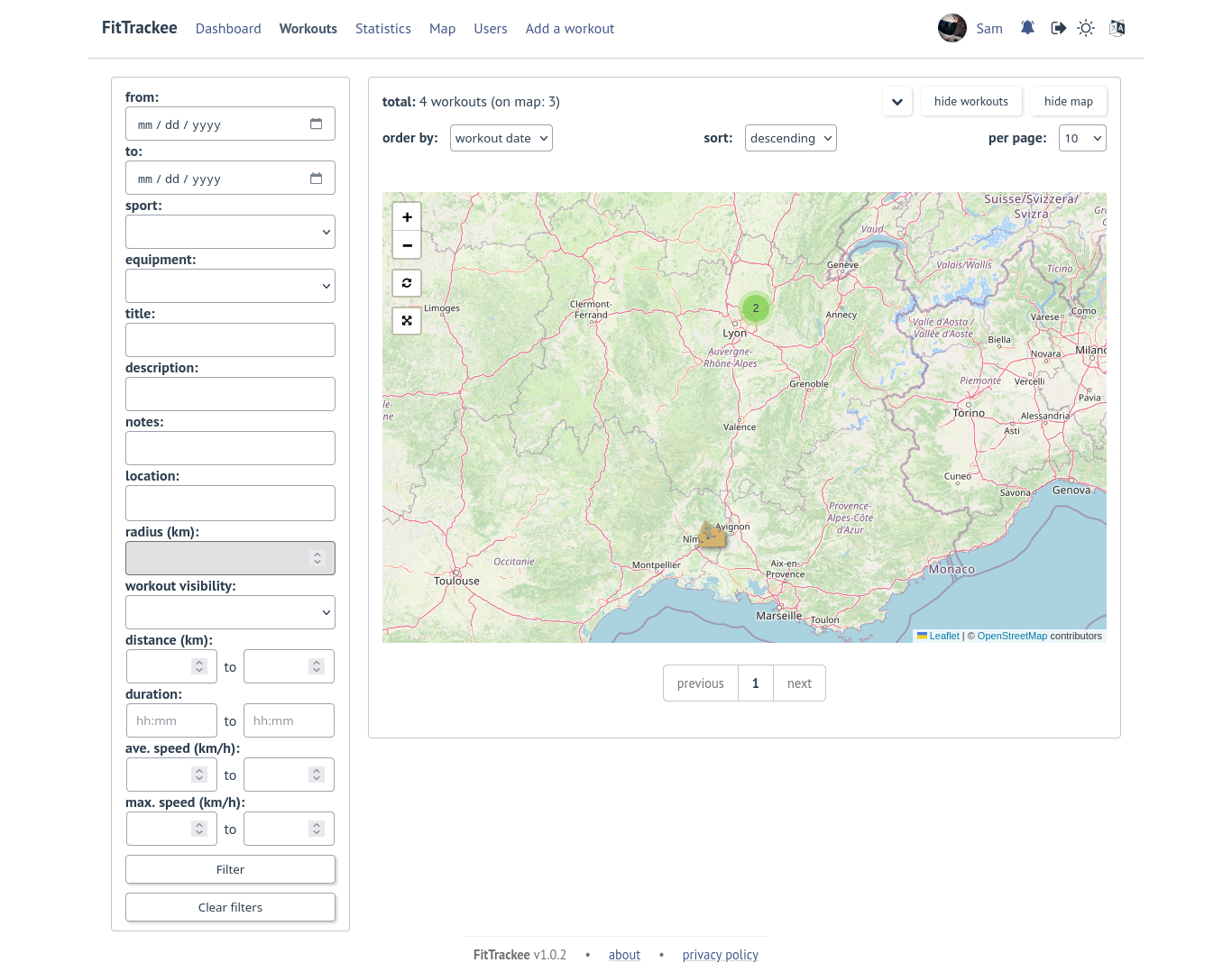
Changed in version 1.0.0: added filter on location and radius, map for filtered workouts
Changed in version 1.1.0: added filter and sort option on pace
By default, the last 10 workouts are displayed in the list.
Users can filter workouts on:
date
sports (only sports with workouts are displayed in sport dropdown)
equipment (only equipments with workouts are displayed in equipment dropdown)
title
description
notes
location and radius
workout visibility
distance
duration (= moving duration)
average speed
maximum speed
when only one sport is displayed and ‘pace’ is set in the sport preference:
average pace
maximum pace (= best pace)
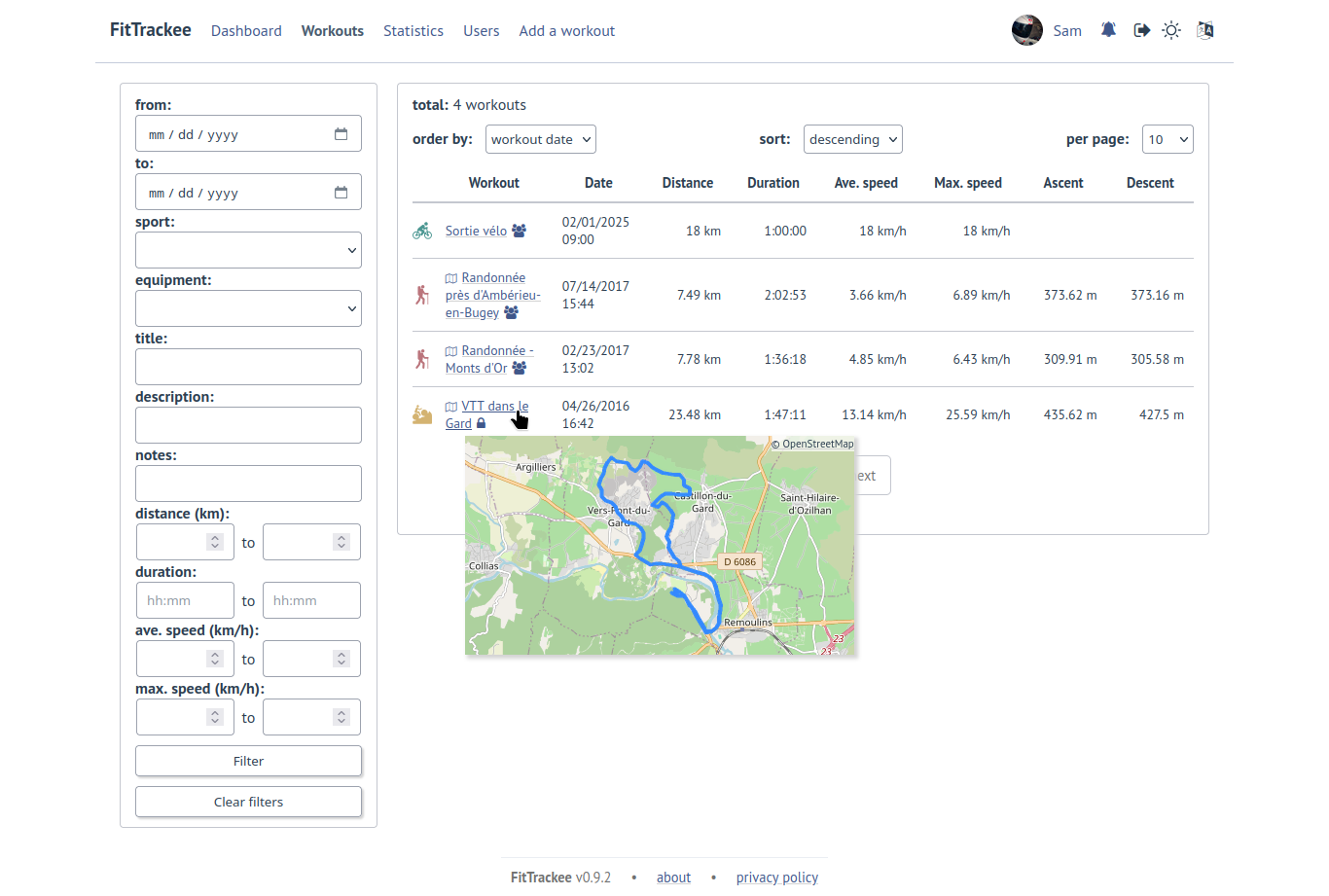
Workouts can be sorted by:
date
distance
duration
average speed
average pace (when only one sport is displayed and ‘pace’ is set in the sport preference)
The number of displayed workouts can be changed (10, 25, 50 or 100 per page).
Statistics are displayed when more than one workout is displayed:
total distance
total duration
maximum speed (when workouts belong to the same sport)
total ascent
total descent
average distance
average duration
average speed (when workouts belong to the same sport)
average ascent
average descent
when workouts belong to the same sport and ‘pace’ is set in the sport preference:
average pace
best pace
When multiple pages are fetched, statistics for all pages are also displayed.
Filtered workouts can be displayed on a map:
Note