Registration & authentication
Changed in version 0.6.0: improve registration process
Changed in version 0.6.9: create user account with language detected from browser
Changed in version 0.9.4: create user account with time zone detected from browser
Changed in version 0.7.13: added privacy policy
If registration is enabled, users can register by providing:
user name,
email,
password.
Tips for strengthening password security are displayed.
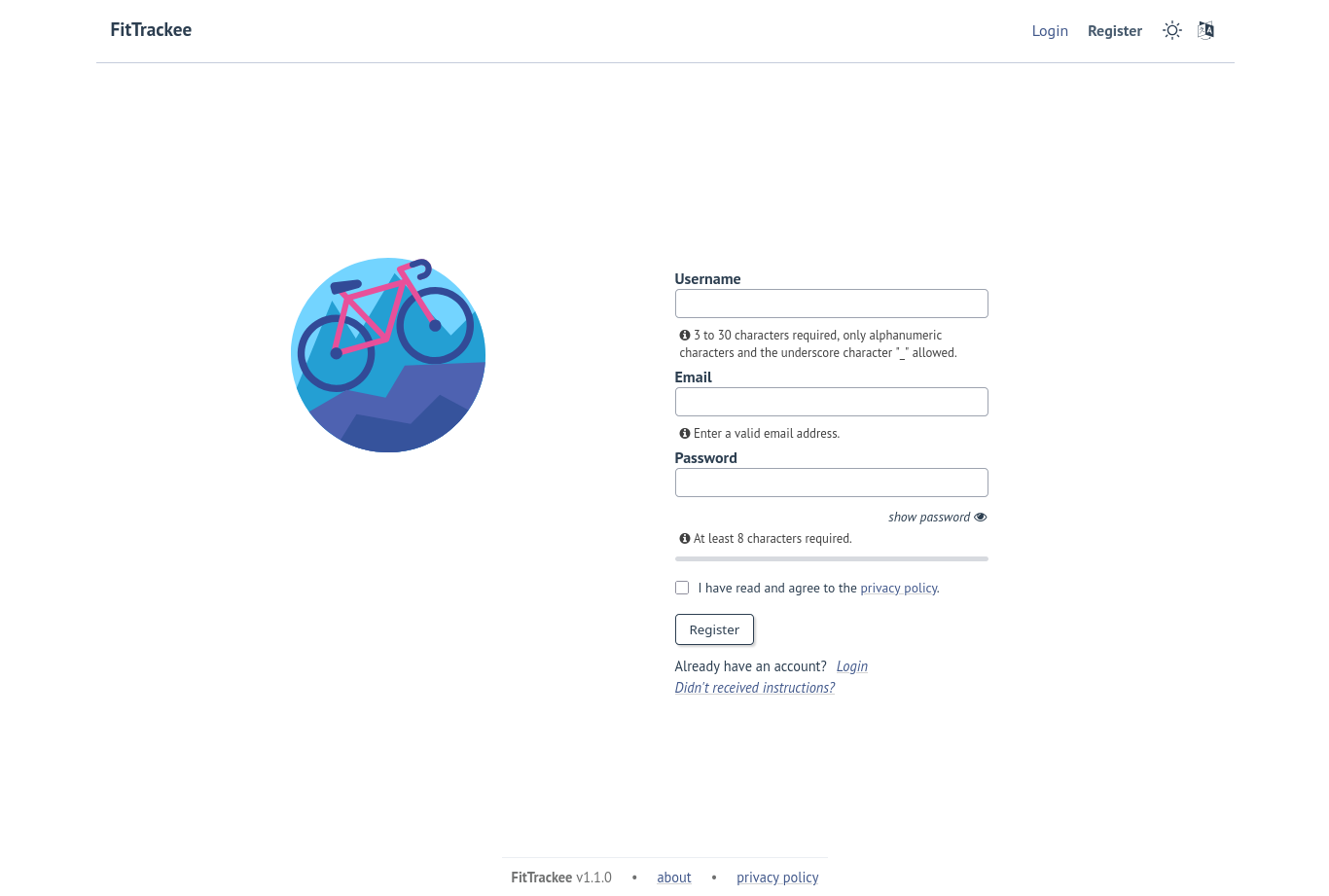
The user must agree to the privacy policy to register.
Note
When a more recent policy is available, a message is displayed on the dashboard to review the new version.
The user account is created with language if supported and time zone detected from browser.
Note
In case email sending is not configured, a command line allows to activate users account.
After account activation, users can log in with email and password.