Equipment
Added in version 0.8.0.
Changed in version 0.9.1: added equipment visibility
Changed in version 0.9.3: added Kayaking and Canoeing to Boat
Changed in version 0.9.7: sports updated for Bike
Changed in version 0.9.10: added Board
Changed in version 0.10.3: added Standup paddleboarding to Board
Changed in version 0.11.0: added Tennis (Outdoor) to Shoes
Changed in version 1.0.0: added Padel (Outdoor) to Shoes
Changed in version 1.1.0: added Canoeing (Whitewater) and Kayaking (Whitewater) to Boat
Changed in version 1.2.0: added Skates, Misc, Paddle and Racket
Users can create equipment that can be associated with workouts.
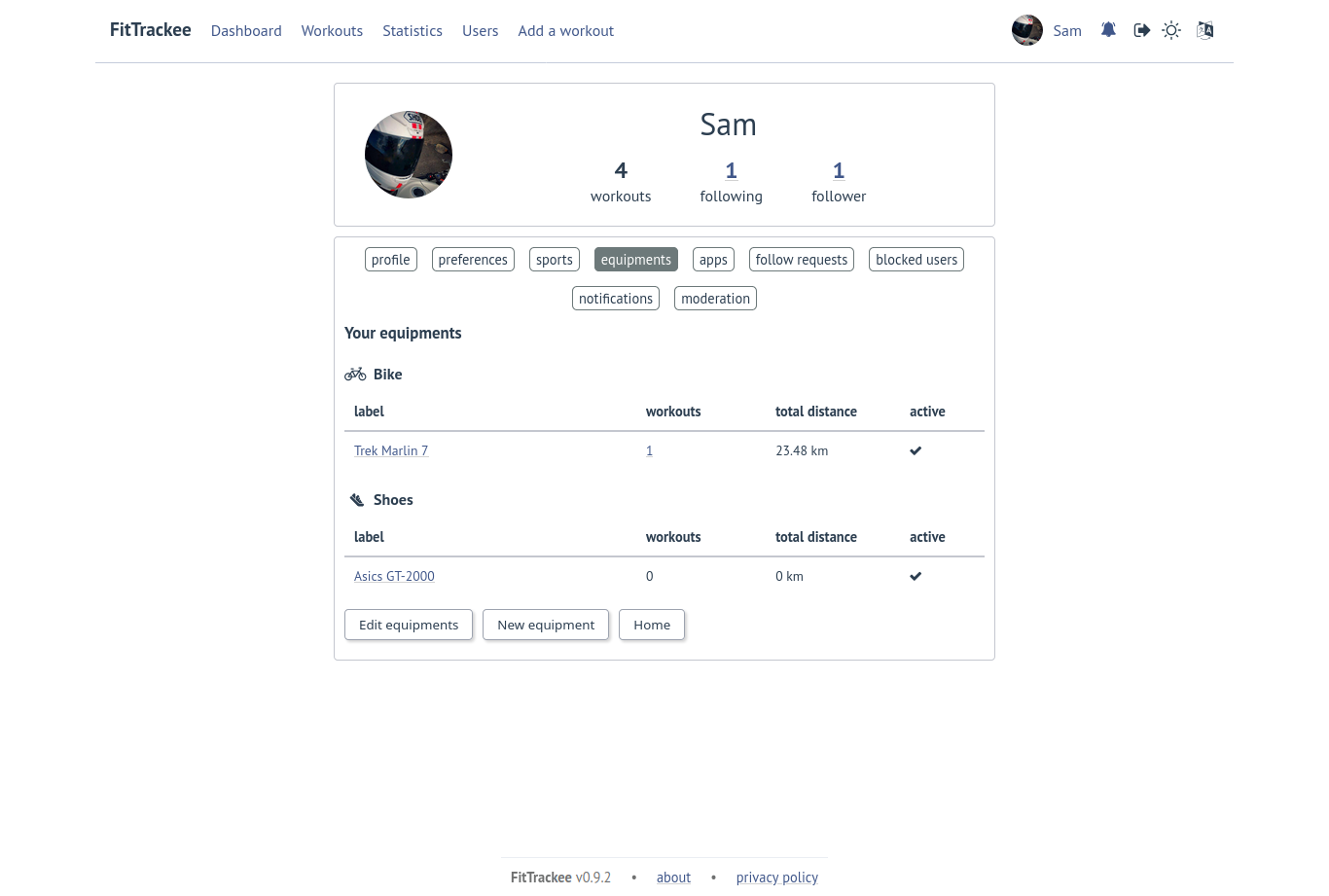
The following equipment types are available, depending on the sport:
Icon |
Name |
Sports |
|---|---|---|

|
Bike |
Cycling (Sport, Transport, Trekking), Halfbike, Mountain Biking and Mountain Biking (Electric) |

|
Bike Trainer |
Cycling (Virtual) |

|
Board |
Standup paddleboarding and Windsurfing |

|
Kayak/Boat |
Canoeing, Canoeing (Whitewater), Rowing, Kayaking and Kayaking (Whitewater) |

|
Ice skates |
Ice skating and Inline skating |

|
Paddle |
Canoeing, Canoeing (Whitewater), Rowing, Kayaking and Kayaking (Whitewater), and Standup Paddleboarding |

|
Racket |
Padel (Outdoor) and Tennis (Outdoor) |

|
Shoes |
Cycling (Sport, Transport, Trekking), Halfbike, Hiking, Mountain Biking and Mountain Biking (Electric), Mountaineering, Padel (Outdoor), Running, Tennis (Outdoor), Trail and Walking |

|
Skis |
Skiing (Alpine and Cross Country) |

|
Snowshoes |
Snowshoes |

|
Misc |
All sports |
Users can define equipment visibility:
private: only owner can see the equipment in workout detail,
followers only: only owner and followers can see the equipment in workout detail,
public: anyone can see the equipment in workout detail even unauthenticated users.
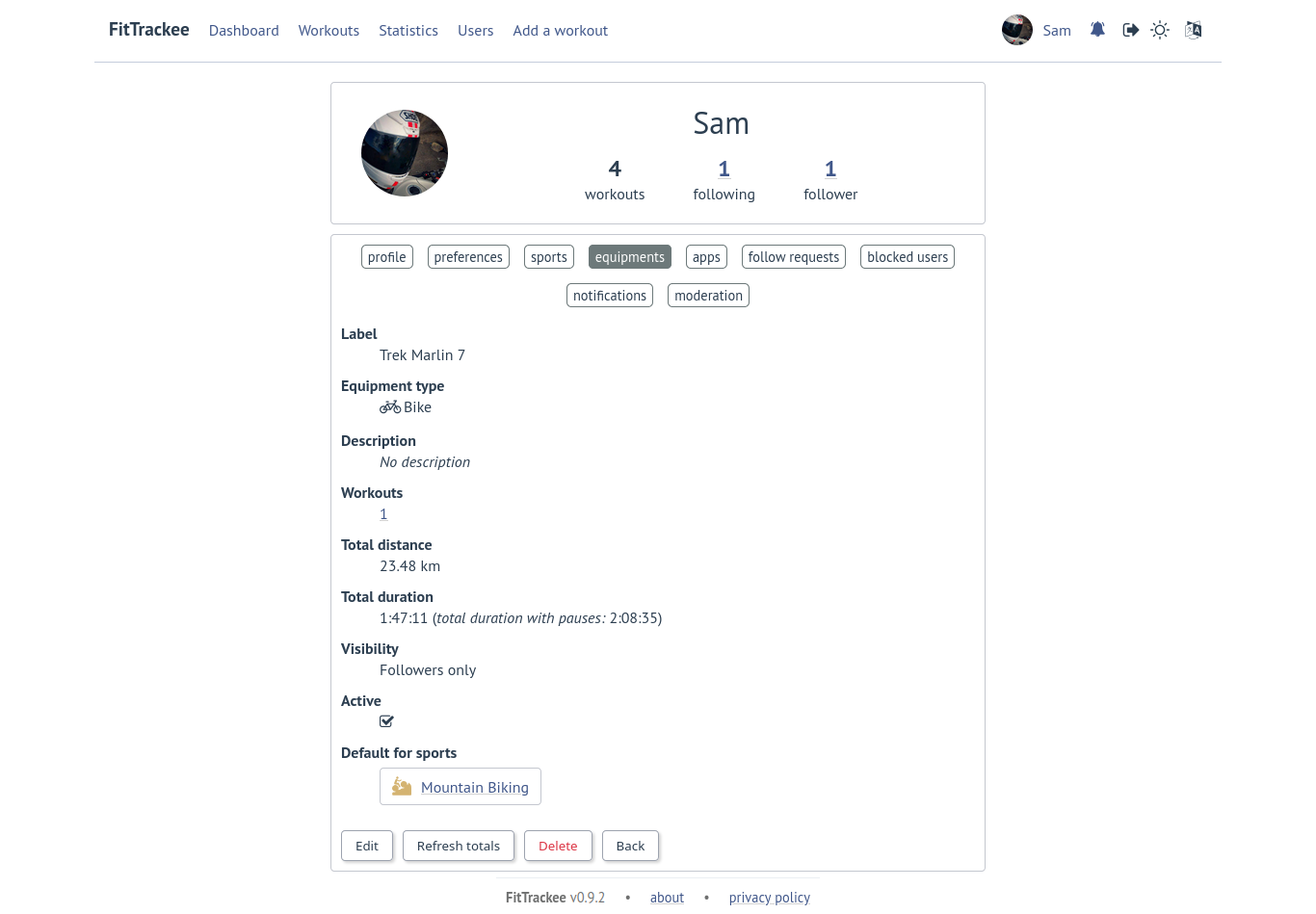
The equipment details are only visible to its owner.
Only one piece of equipment per type can be added to a workout or a sport, with the exception of the “Misc” type, for which up to 5 pieces of equipment can be added.
Following totals are displayed for each piece of equipment:
total distance (= total moving duration), except for Racket
total duration
total workouts
Note
It is possible to define default equipment for sports: when adding a workout, the equipment will automatically be displayed in the dropdown list depending on selected sport.
An equipment can be edited (label, equipment type, description, visibility, active status and default sports).
Warning
Deactivated equipment will not appear in dropdown when a workout is added. It remains displayed in the details of the workout, to which it was associated before being deactivated.
Note